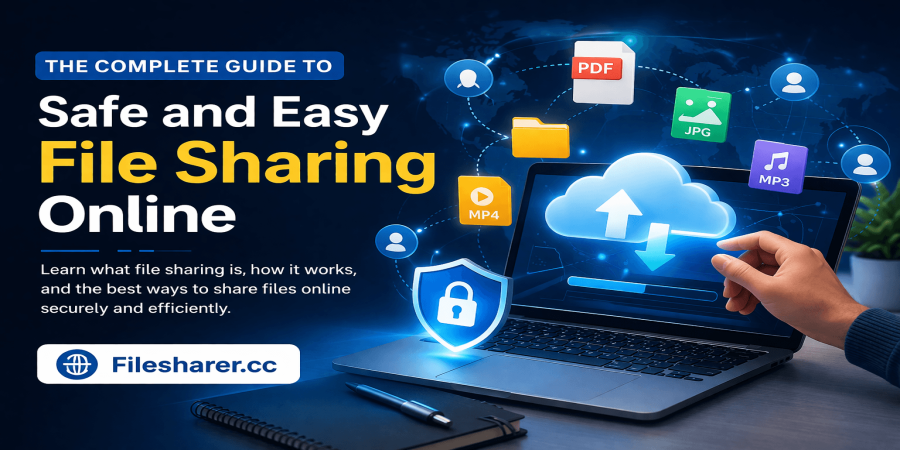
The Complete Guide to Safe and Easy File Sharing Online
Apr 07, 2026 12:15 PM
Michael Carter
File sharing is now a core part of everyday digital life. From sending work documents and media files to collaborating with teams across the globe, people rely on fast and secure ways to transfer data online. Whether you are a freelancer, student, or business owner, understanding how file sharing works can save time and improve productivity.
In today’s connected world, cloud-based tools have made it easier than ever to upload, store, and share files instantly. But with convenience also comes responsibility. Knowing how to share files safely is just as important as knowing how to share them quickly.
In this guide, you’ll learn what file sharing is, how it works, and the best ways to share files online without compromising security.
What Is File Sharing?
File sharing is the process of transferring digital files such as documents, images, videos, and software from one user to another over the internet. Instead of relying on physical storage devices or limited email attachments, users can upload files to a hosting platform and share access through a link.
This method is widely used because it is simple and efficient. Once a file is uploaded, it can be accessed from anywhere in the world, making it perfect for remote work and global collaboration.
File sharing allows users to:
- Send large files instantly
- Store data securely online
- Access files from any device
- Collaborate in real time
How File Sharing Works
The process of file sharing is straightforward. First, a user uploads a file to a file hosting service. The platform then generates a unique link that can be shared with others. Anyone with access to that link can view or download the file, depending on the permissions set by the uploader.
Modern platforms also offer advanced features like password protection, expiration dates, and access control. These features ensure that only authorized users can access sensitive data.
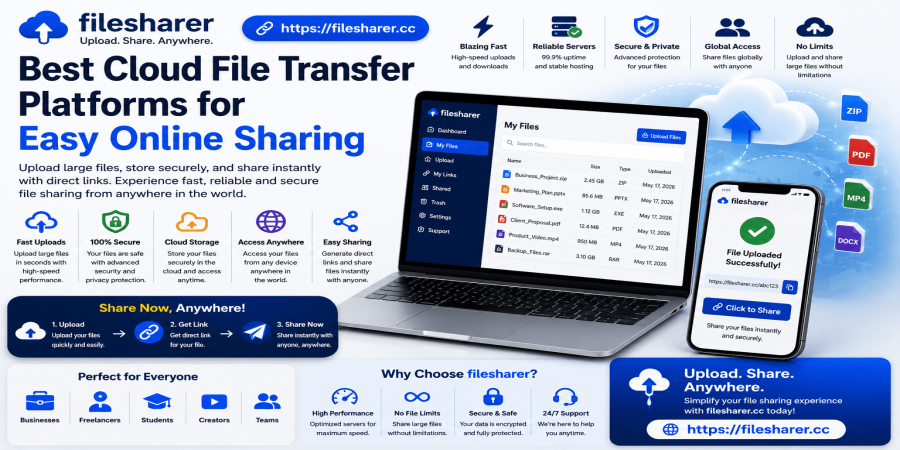
For example, platforms like https://filesharer.cc provide a simple and secure way to upload and distribute files without hassle. This makes them ideal for both personal and professional use.
Types of File Sharing Methods
There are several ways to share files online, each with its own advantages:
1. Cloud-Based File Sharing
Cloud services are the most popular option today. Users upload files to a server and share them via links. These platforms are fast, scalable, and accessible from anywhere.
2. Peer-to-Peer (P2P) Sharing
In P2P sharing, files are transferred directly between users without a central server. While fast, this method can be less secure if not managed properly.
3. Email Attachments
Email is still commonly used for sharing small files. However, it has size limitations and is not ideal for large data transfers.
4. File Transfer Protocol (FTP)
FTP is often used by developers and businesses to transfer large files between servers. It requires technical knowledge but is very powerful.
Benefits of Online File Sharing
File sharing platforms offer several key benefits that make them essential in modern workflows:
Speed and Convenience
Files can be shared instantly without the need for physical storage devices or complicated setups.
Global Accessibility
Users can access files from anywhere, making it perfect for remote teams and international collaboration.
Cost-Effective
Many file sharing services are free or low-cost, reducing the need for expensive infrastructure.
Improved Collaboration
Teams can work on shared files in real time, improving efficiency and communication.
How to Share Files Online Securely
While file sharing is convenient, security should always be a priority. Here are some best practices to keep your data safe:
Use Trusted Platforms
Always choose reliable services that offer encryption and secure storage.
Enable Password Protection
Protect sensitive files with passwords to prevent unauthorized access.
Set Expiration Dates
Limit how long a file is accessible by setting expiration links.
Avoid Public Links for Private Data
Only share links with trusted individuals, especially for confidential files.
Keep Software Updated
Ensure your devices and browsers are updated to protect against vulnerabilities.
Common Mistakes to Avoid
Many users unknowingly put their data at risk. Here are a few mistakes to watch out for:
- Sharing sensitive files without protection
- Using untrusted or unknown platforms
- Forgetting to delete unused files
- Reusing the same links for multiple users
Avoiding these mistakes can significantly improve your file sharing security.
Conclusion
File sharing has transformed how we communicate and collaborate online. It offers speed, convenience, and flexibility that traditional methods simply cannot match. However, using the right tools and following basic security practices is essential to ensure a safe experience.
Whether you are sharing personal files or managing business data, choosing a reliable platform and staying aware of security measures will help you make the most of online file sharing.
With the right approach, file sharing becomes not just easy, but also safe and efficient.
Login or create account to leave comments
Popular articles

Top Free Cloud Storage Platform for Fast and Secure File Sha...
Mar 13, 2026 07:18 PM
Why Secure Cloud Storage Is Essential for Modern File Sharin...
May 19, 2026 01:40 PM
What Is File Sharing and How to Share Files Online Securely
Mar 12, 2026 07:43 PM
Best Free Cloud Storage for Secure File Sharing in 2026
Mar 13, 2026 07:08 PM
Best Cloud File Transfer Platforms for Easy Online Sharing
May 19, 2026 01:48 PM
Comments (0)