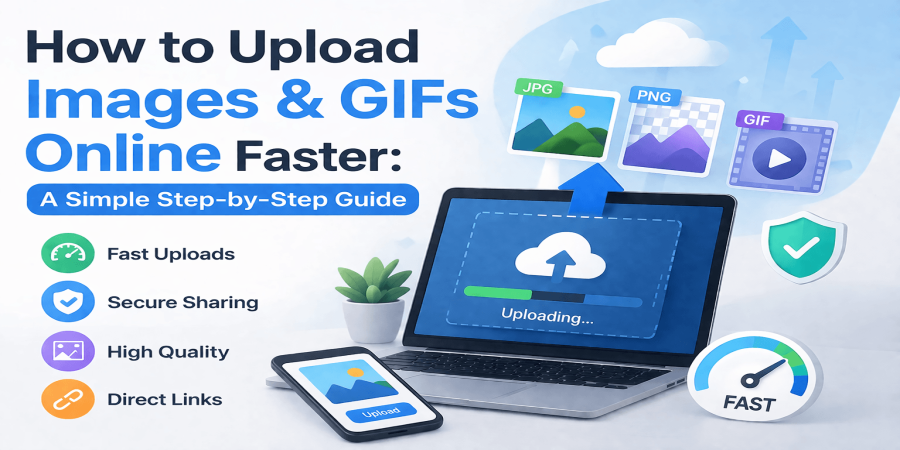
How to Upload Images & GIFs Online Faster: A Simple Step-by-Step Guide
Apr 07, 2026 12:46 PM
Michael Carter
Uploading images and GIFs online has become part of everyday digital life. Whether you're sharing photos with friends, posting content on social media, or managing visuals for a website, having a smooth and reliable upload process matters more than most people realize. But in reality, many users still struggle with slow uploads, large file sizes, unsupported formats, or poor image quality after uploading.
In this guide, you’ll learn how to upload images and GIFs quickly, safely, and without losing quality. We’ll also cover simple tips that can save you time and help you avoid common mistakes. If you're looking for a simple and efficient way to upload and share files instantly, platforms like https://filesharer.cc make the process much easier.
Why Uploading Images Online Matters
Images are one of the most powerful ways to communicate online. They grab attention faster than text and help deliver information instantly. Whether it’s for personal use or business, uploading images properly can make a big difference.
Here’s why it’s important:
- Helps you share content instantly
- Improves communication and clarity
- Enhances website and blog quality
- Increases engagement on social media
- Supports branding and marketing efforts
A well-uploaded image can improve user experience, while a poorly uploaded one can hurt your credibility.
Common Problems People Face When Uploading Images
Before we jump into solutions, it’s important to understand the usual problems users encounter:
- Slow upload speed due to large file sizes
- Unsupported formats (like HEIC or TIFF)
- Loss of image quality after upload
- Broken or missing image links
- Upload errors or timeouts
The good news is that most of these issues can be fixed with a few simple adjustments.
Best Practices for Fast Image & GIF Uploading
1. Compress Your Files Before Uploading
Large files take longer to upload and may even fail. Use image compression tools to reduce file size without losing quality. This makes your uploads faster and smoother.
2. Choose the Right File Format
Stick to common formats like:
- JPG (for photos)
- PNG (for transparent images)
- GIF (for animations)
These formats are widely supported and work well across all platforms.
3. Check Image Dimensions
Uploading overly large images can slow down your website or platform. Resize images to fit your needs before uploading.
4. Use a Reliable Upload Platform
Not all platforms are created equal. A good uploader should provide:
- Fast upload speed
- Secure storage
- Direct sharing links
- No unnecessary restrictions
A platform like https://filesharer.cc allows you to upload and share files quickly with direct links, making it ideal for both personal and professional use.
5. Ensure a Stable Internet Connection
A weak connection can interrupt uploads or cause failures. Always use a stable network when uploading large files or multiple images.
How to Upload Images & GIFs Step by Step
- Open your preferred file hosting or image sharing platform
- Click on the upload or “Choose File” button
- Select the image or GIF from your device
- Wait for the upload to complete
- Copy the direct link or share the file instantly
That’s it. Simple, quick, and effective.
Tips to Maintain Image Quality
- Avoid uploading the same image multiple times
- Use high-resolution originals when possible
- Don’t over-compress images
- Preview your file before sharing
These small steps help ensure your images look sharp and professional.
Final Thoughts
Uploading images and GIFs online doesn’t have to be complicated. With the right approach, you can avoid common issues and make the process fast and hassle-free. Focus on optimizing your files, choosing the right format, and using a reliable platform.
If you want a quick and efficient way to upload and share files with direct links, https://filesharer.cc is a great option to get started.
By following these simple tips, you’ll not only save time but also improve the quality and impact of your online content.
Login or create account to leave comments
Popular articles

Top Free Cloud Storage Platform for Fast and Secure File Sha...
Mar 13, 2026 07:18 PM
Why Secure Cloud Storage Is Essential for Modern File Sharin...
May 19, 2026 01:40 PM
What Is File Sharing and How to Share Files Online Securely
Mar 12, 2026 07:43 PM

Best Free Cloud Storage for Secure File Sharing in 2026
Mar 13, 2026 07:08 PM
Best Cloud File Transfer Platforms for Easy Online Sharing
May 19, 2026 01:48 PM
Comments (0)